
n8n - Understanding the data structure
You will learn about the data structure of n8n and how to use the Code node to transform data and simulate node outputs.
ARTICLE
Felipe Veríssimo
1/10/20262 min read


Data structure of n8n
In a basic sense, n8n nodes function as an Extract, Transform, Load (ETL) tool. The nodes allow you to access (extract) data from multiple disparate sources, modify (transform) that data in a particular way, and pass (load) it along to where it needs to be.
The data that moves along from node to node in your workflow must be in a format (structure) that can be recognized and interpreted by each node. In n8n, this required structure is an array of objects.
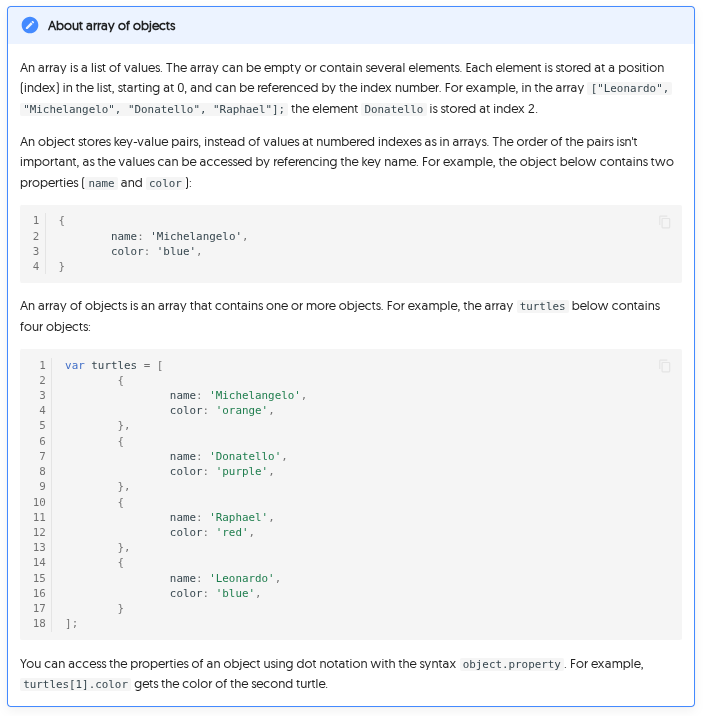
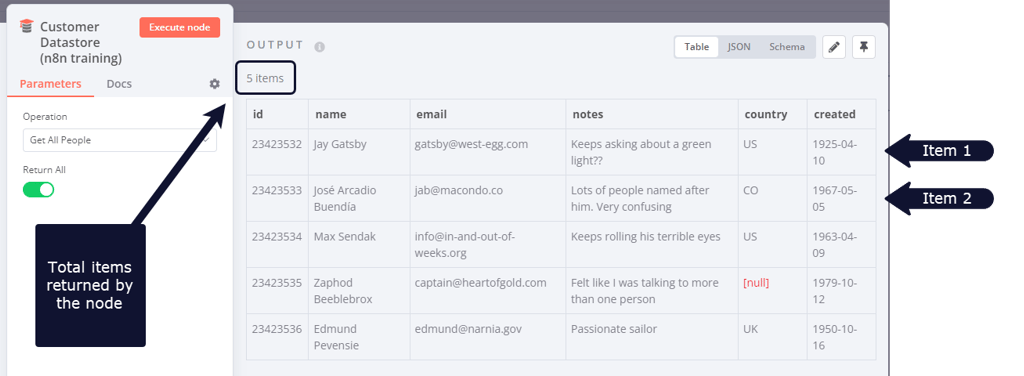
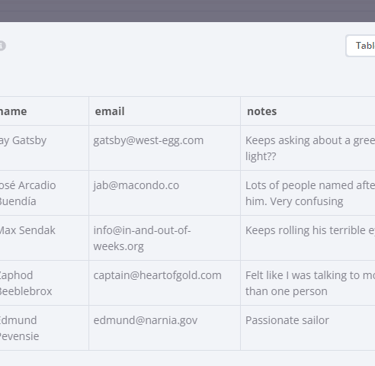
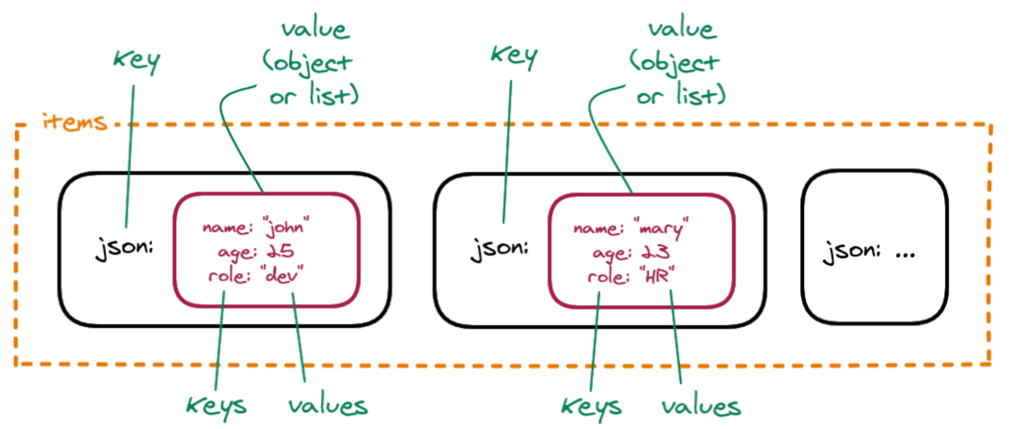
Data sent from one node to another is sent as an array of JSON objects. The elements in this collection are called items.
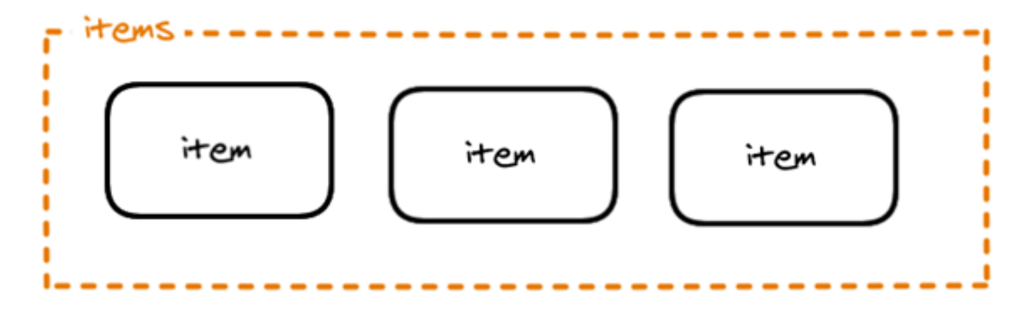
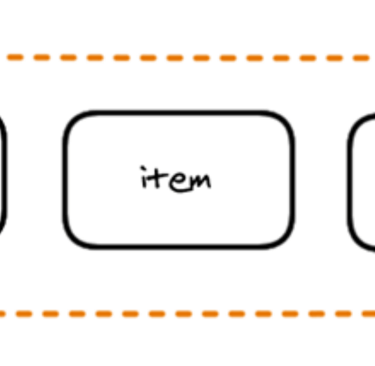
An n8n node performs its action on each item of incoming data.
Creating data sets with the Code node
Now that you are familiar with the n8n data structure, you can use it to create your own data sets or simulate node outputs. To do this, use the Code node to write JavaScript code defining your array of objects with the following structure:
For example, the array of objects representing the Ninja turtles would look like this in the Code node:
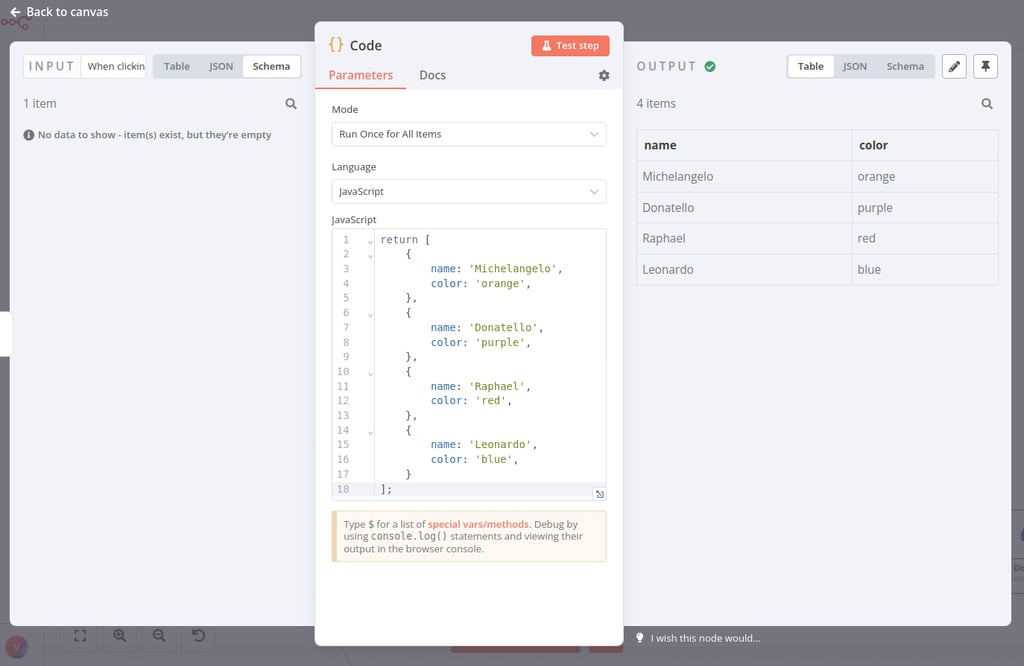
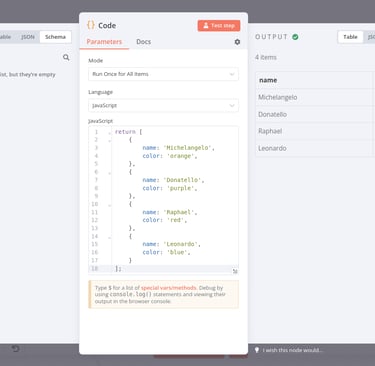
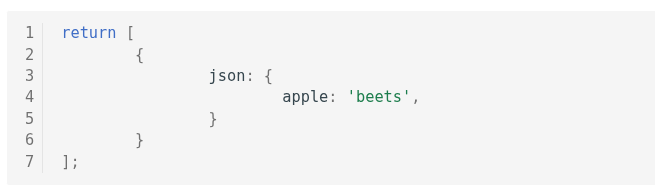
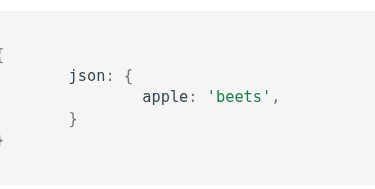
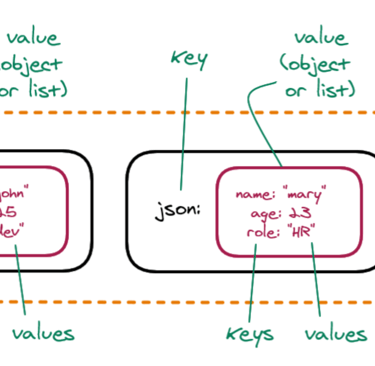
Notice that this array of objects contains an extra key: json. n8n expects you to wrap each object in an array in another object, with the key json.
JSON Objects
It's good practice to pass the data in the right structure used by n8n. But don't worry if you forget to add the json key to an item, n8n (version 0.166.0 and above) adds it automatically.
You can also have nested pairs, for example if you want to define a primary and a secondary color. In this case, you need to further wrap the key-value pairs in curly braces {}.
This talk offers a more detailed explanation of data structure in n8n.
